Ubersuggest Alternative: Pay Per Lookup Instead of Per Month
Looking for an Ubersuggest alternative? Here's how its plans actually price out, and five ways to get keyword and SEO data without a recurring plan.
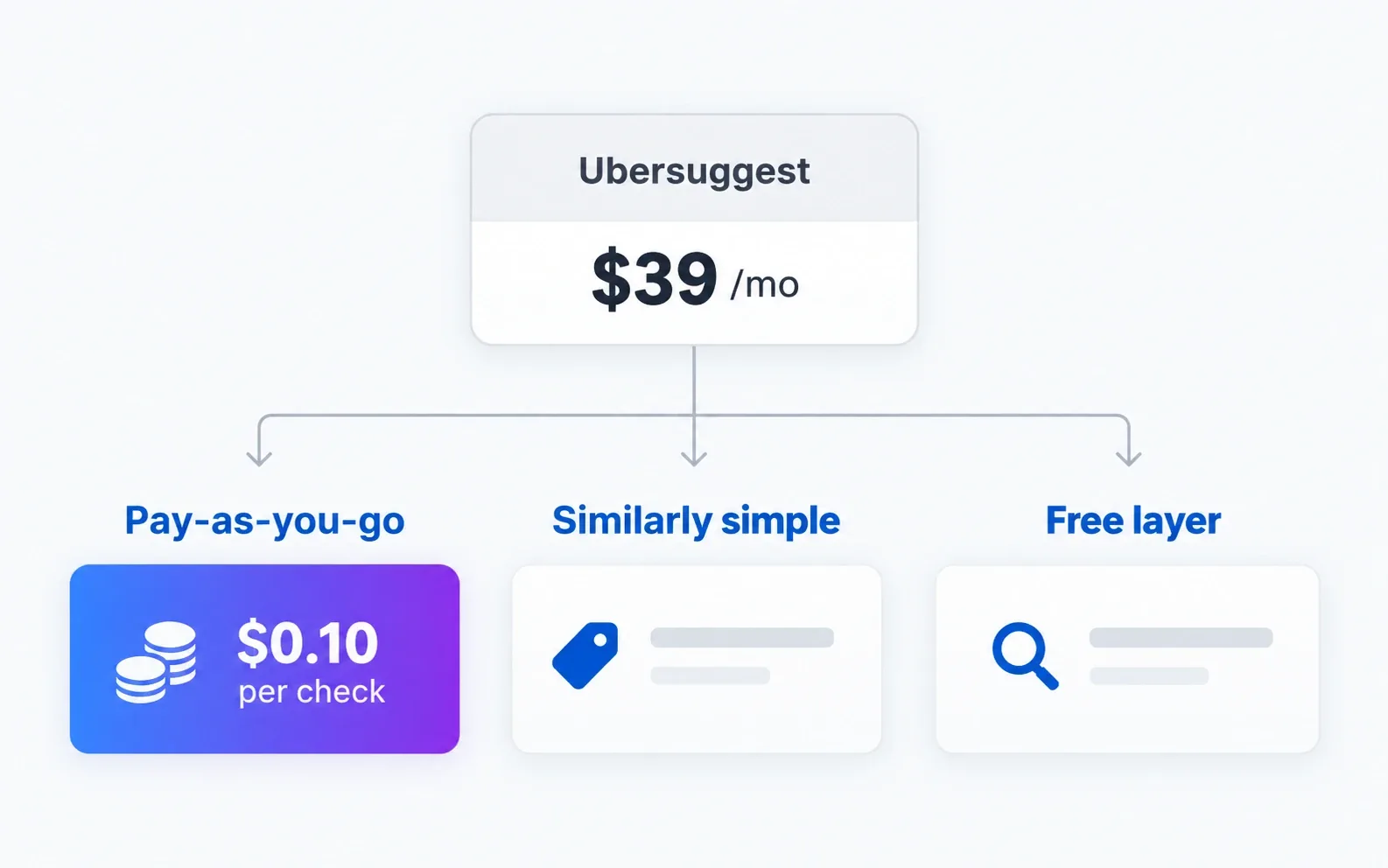
Ubersuggest’s Individual plan runs $39 a month, or $16 a month billed annually, with Business and Enterprise tiers above that. It built its reputation as the budget option in a market of $100-plus suites, which it still is compared to Semrush or Ahrefs. But “budget” is relative. If you check keywords for one site a few times a month, you are still paying for twelve months of access to use it in three or four.
The short version
If your usage is occasional, SearchCredits lets you pay per lookup instead of committing to a plan, at any usage level. If you want a similarly beginner-friendly interface but need a subscription anyway, Mangools is the closest match in tone and price. If you want a broader all-in-one platform and are willing to pay more for it, SE Ranking covers that ground. If most of your work is your own site’s performance and rough keyword ideas, Google’s free tools handle a surprising amount of it. Moz Pro is worth a look if you want a longer-established name at a comparable entry price.
Ubersuggest alternative comparison
| Option | Starting price | Best for | Main compromise |
|---|---|---|---|
| Ubersuggest | $16/month billed annually, $39/month otherwise | Beginners wanting one simple dashboard | Still a recurring plan even for light use |
| SearchCredits | $1 buys 100 credits, no subscription | Pay-as-you-go keyword and SEO checks | Not a persistent dashboard you log into daily |
| Mangools | Basic plan has sat around $30-40/month | Similarly gentle learning curve, keyword-focused | Narrower feature set than a full suite |
| SE Ranking | Around $103/month for the entry plan | A fuller all-in-one platform | Meaningfully more expensive |
| Google’s free tools | Free | Keyword ideas, your own performance, demand trends | No competitor database or rank tracking |
| Moz Pro | Starter has sat around $49/month | A longer-established brand at a similar price | Standard tier roughly doubles the price |
What Ubersuggest actually gets you
Ubersuggest earned its reputation by being simpler and cheaper than Semrush or Ahrefs while still covering keyword research, a site audit, rank tracking, and basic competitor data. For someone new to SEO, that combination of a gentler interface and a lower price than the big suites is a real reason to pick it.
The catch is the same one every subscription tool has. The Individual plan’s cheaper annual rate only looks cheap if you use it steadily across the year. A freelancer or blogger who runs keyword checks for a week, then does not touch it again for a month, is paying for idle time either way. Ubersuggest also has a free tier with a daily search cap, which is worth trying before paying for anything, but it resets daily rather than accumulating, so it does not help much with a single bigger research session.
1. SearchCredits: pay per lookup, not per month
I built SearchCredits around the same problem Ubersuggest partly solves and partly does not: people who need SEO data sometimes, not every day.
There is no plan. One dollar buys 100 credits, and every action shows its cost before you run it. Keyword research with volume, difficulty and related terms is 10 credits, about $0.10. A single-page audit is 3 credits. A full-site crawl starts at 15. New accounts get free credits, and purchased credits last 12 months, so a single top-up can cover research spread across months, not a fixed billing cycle.
The tool set covers keyword research, single-page and full-site audits, rank tracking, competitor discovery and keyword gap analysis, AI visibility, shopping visibility, price monitoring, and a local rank grid. Data is aggregated from established third-party providers. There is no always-open dashboard to check daily, which is the trade: if you want a tool you live in every morning, a subscription fits that better than pay-as-you-go does.
2. Mangools: the closest match in feel
Mangools is the alternative that feels most like Ubersuggest to use. It is a set of connected tools built around KWFinder for keyword research, with a similarly approachable interface rather than the dense dashboards of the bigger suites. Its Basic plan has historically sat around $30 to $40 a month, often cheaper on annual billing, so check the current rate.
It is still a subscription, so the same idle-month problem applies. But if you specifically want the “simple tool for keyword and SERP research” experience Ubersuggest offers and are fine paying monthly for it, Mangools is the nearest equivalent.
3. SE Ranking: more tool, more price
SE Ranking is a step up in scope from Ubersuggest, with a fuller rank tracking, site audit, and competitor research toolkit, at a correspondingly higher entry price of around $103 a month.
This is the pick if Ubersuggest’s limits (search caps, a smaller keyword database, thinner backlink data) are the actual reason you are looking elsewhere, and you are willing to pay more for a broader platform rather than a cheaper one.
4. Google’s free tools: for the basics
A meaningful slice of what people use Ubersuggest for has a free Google equivalent. Keyword Planner gives keyword ideas and rough volume, built for advertisers but usable for a first pass. Search Console shows the queries already bringing you traffic, which is a stronger signal than any third-party tool’s guess at what you should target. Google Trends shows direction and seasonality.
None of this gives you a competitor’s keyword list or a rank-tracking dashboard. My guide to keyword research without a subscription walks through combining these free sources into something close to a real research process, before paying for anything.
5. Moz Pro: a familiar name at a similar price
Moz Pro’s Starter plan has sat around $49 a month, close to Ubersuggest’s monthly rate, with the Standard tier roughly double that. It is a longer-established platform with its own keyword and rank tracking tools, and a well-known domain authority metric.
Compare the actual limits on each tier before assuming it beats Ubersuggest on value. A recognisable name is not the same as a better fit for how often you actually do this work.
How to pick
Look at how often you have actually opened an SEO tool in the last two months, not how often you plan to. Weekly or near-weekly use across a steady list of keywords and pages makes a subscription, Ubersuggest’s or one of the alternatives above, reasonable, since you are using most of what you pay for.
Occasional use, a handful of research sessions spread across a quarter, is where pay-as-you-go stops being a compromise and starts being the cheaper option outright. You are not paying for the weeks you do not open the tool.
Frequently asked questions
Is there a free alternative to Ubersuggest?
Not a single tool that replaces it entirely. Google Keyword Planner, Search Console, and Google Trends cover keyword ideas, your own site’s performance, and demand direction between them, for free. None of them do rank tracking or competitor research the way Ubersuggest does.
What is the cheapest Ubersuggest alternative?
For occasional use, SearchCredits, since you only pay for the specific lookups you run, usually a few cents each, with no monthly commitment. For steady daily use, Ubersuggest’s own annual rate or Mangools’ Basic plan are the lower-cost subscription options.
Is Ubersuggest good for beginners?
Yes, that is its main strength. It has a simpler interface than Semrush or Ahrefs and covers the basics most beginners need: keyword ideas, a site audit, and rank tracking. Mangools offers a similar level of simplicity if you are comparing options.
Why would I use SearchCredits instead of Ubersuggest?
If you do not use an SEO tool often enough to justify a recurring plan, whether that is Ubersuggest’s or anyone else’s. Paying per lookup means a quiet month costs nothing, where a subscription costs the same whether you use it once or every day.
Does Ubersuggest have a free plan?
It has a free tier with a limited number of searches per day. It is useful for trying the tool out or the occasional single check, but the daily cap resets rather than accumulating, so it does not cover a larger research session the way a paid plan or a pay-as-you-go credit balance would.