Monitor Competitor Prices Without Building a Scraper
You don't need to build or maintain a scraper to track competitor prices. Here's what actually changes when you watch pricing, and three ways to do it.
Competitor price monitoring is the practice of regularly checking what rivals charge for the same or similar products, so a price change doesn’t quietly cost you the sale without you noticing. Most guides to this jump straight to “build a scraper,” which is the heaviest possible answer to what is often a light, occasional need. There are faster ways to get the same information.
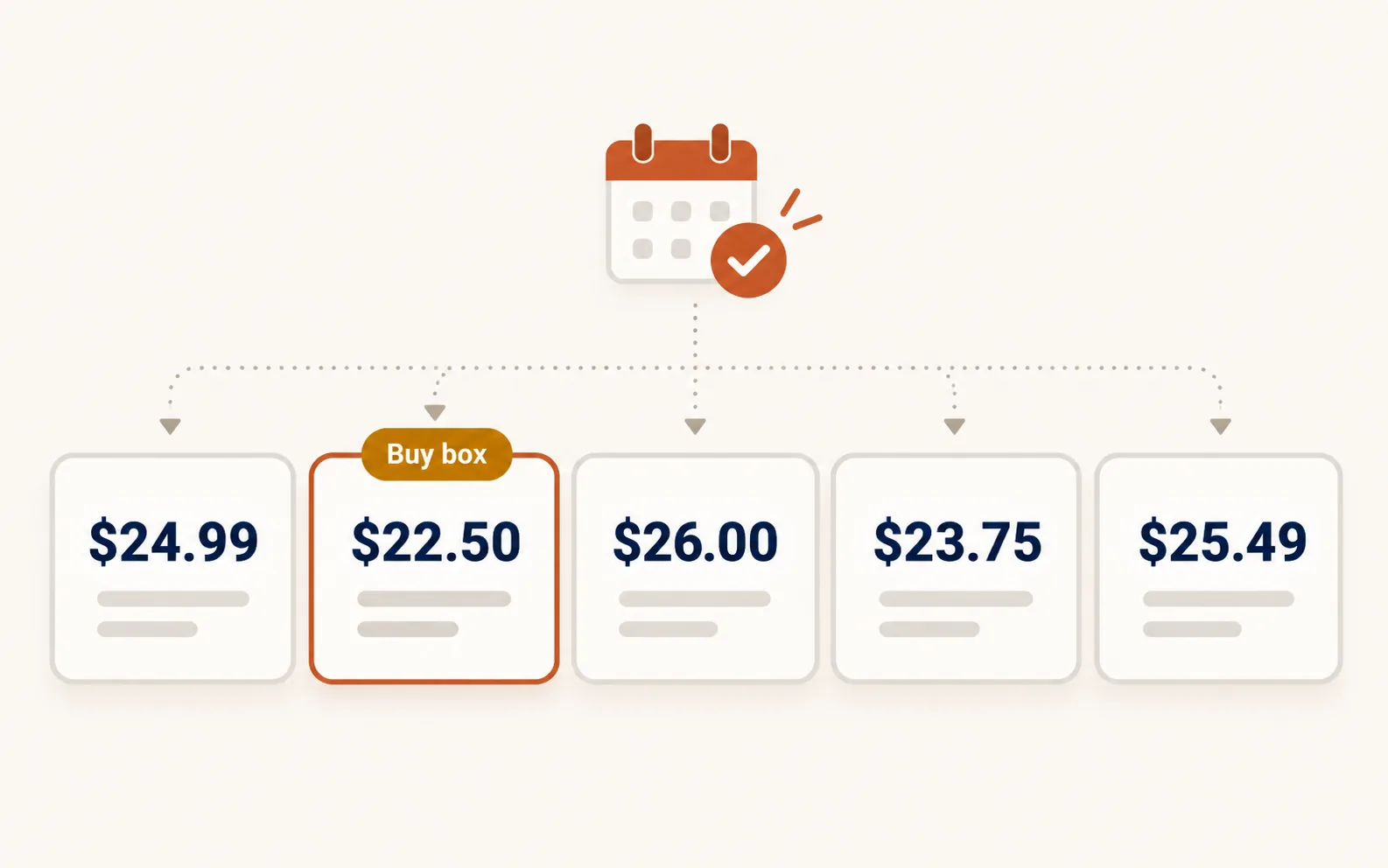
Why prices move more than people expect
Online pricing is not static the way a printed catalog is. Competitors run promotions, adjust for demand, react to a rival’s move within hours, and some larger sellers use repricing software that updates automatically, sometimes several times a day. A price you checked last month can be meaningfully different today, in either direction.
The risk is not that you lose every sale to a cheaper competitor. It is that you find out from a sales dip weeks later, instead of from checking directly. A product sitting 15% above the market without you knowing is a slow leak, not a dramatic failure, which is exactly why it is easy to miss.
What to actually track
Price alone is an incomplete picture. For a product you compete on, the useful set is the current price across sellers, whether anyone is holding the buy box (the featured, most prominent listing, where applicable), the spread between the cheapest and priciest seller, and anything attached to the listing that affects a buyer’s decision at the same price point, like shipping terms or review counts.
A seller 5% more expensive but with a stronger review profile may not need to react at all. A seller matching your price but offering faster shipping is a more real threat than a slightly cheaper one with thin reviews. Price without that context tells you less than it seems to.
Three ways to monitor it, from lightest to heaviest
Manual spot checks
For a small catalog, periodically searching your key products and noting who shows up and at what price works, costs nothing, and requires no setup. Its limits are obvious: it doesn’t scale past a handful of products, it is easy to let slide, and it gives you a single snapshot rather than a trend.
A pay-as-you-go price check
Price Watch, part of SearchCredits, checks a specific product and returns the current seller lineup, who holds the buy box, the price spread across sellers, and your own standing if you are selling it, for 15 credits, about $0.15 per check. There’s no scraper to build or maintain, no server to keep running, and no subscription for a monitoring tool you might check a few times a month. You run it when a competitor’s move or a pricing decision makes it worth a fresh look, rather than on a fixed schedule you have to remember.
It pairs with Shopping Visibility, which answers a related but different question: whether your product shows up at all for a given search, and where, rather than tracking one listing’s price over time.
Building your own scraper
For a large catalog with daily or hourly repricing needs, a scraper plus a repricing rules engine is the real answer, and companies that live or die on dynamic pricing build exactly that. It is also a genuine engineering project: handling rate limits and blocks, keeping selectors working as competitor sites change their markup, storing historical data, and maintaining the whole thing indefinitely. For most small and mid-size sellers, this is a lot of ongoing maintenance to solve a problem that a periodic check would also solve.
How often is actually worth checking
Daily monitoring makes sense for a narrow set of products during an active price war or a seasonal sale window, where being slow to react has a real cost. For most of a catalog, weekly or biweekly checks on your best-selling or most price-sensitive items catch the moves that matter without turning into a full-time job. The same build-vs-buy question comes up in keyword research without a subscription: a quick paid check, run only when you need it, usually beats building and maintaining your own version of the same tool. Products with thin margins or heavy competition deserve more frequent checks than a niche item nobody else sells.
The practical approach for most sellers is a short list, not the whole catalog. Pick the 10 to 20 products where price competition actually affects your margin or your sales, and check those regularly. A product nobody else sells does not need price monitoring at all.
What to do when a price changes
Not every price change needs a reaction. If a competitor drops a price temporarily for a sale, matching it may cost you more than the sale you’d protect. If it looks like a permanent repositioning, that is worth a real decision rather than an automatic match. Context from reviews, shipping speed, and your own margin matters more here than the number alone. Reacting to every price move is how a race to the bottom starts; checking regularly and deciding deliberately is different from matching automatically.
Frequently asked questions
How do I track competitor prices without coding?
A pay-as-you-go tool like Price Watch checks a product’s current sellers, buy-box status, and price spread without any setup. For a very small catalog, manually searching your key products periodically also works, just with no history and more effort to keep up.
How often should I check competitor prices?
Weekly or biweekly for most products is enough to catch meaningful changes. Daily checks make sense for a narrow list of price-sensitive or high-competition products, especially during a sale period or an active price war.
What is the buy box and why does it matter?
The buy box is the featured, most prominent listing for a product on a given marketplace, where applicable. It typically goes to a mix of price, seller rating, and fulfillment speed rather than price alone, so winning it is not just about being cheapest.
Do I need to build a scraper to monitor prices?
Only if you need continuous, high-frequency monitoring across a large catalog, which is a real engineering commitment to build and maintain. For periodic checks on a focused product list, a pay-as-you-go tool covers the same need without the maintenance.
Should I always match a competitor’s lower price?
Not automatically. Check whether the drop looks temporary, like a sale, or a real repositioning, and weigh it against your own margin and what else differentiates your listing, such as reviews or shipping speed. Matching every price move erodes margin faster than it protects sales.